Cookie Policy

How Sitepulse uses cookies and similar browser storage on this website and in the Sitepulse app, and what we deliberately don't use.

Cookie and storage summary

We use privacy-friendly, cookieless analytics to understand how the website is used, plus a small amount of browser storage to keep the service secure, keep you signed in, and remember choices you make. We don't use advertising cookies or cross-site tracking, and our analytics does not use cookies or browser storage.

Last updated: 13 November 2026

What cookies are

Cookies are small text files a website asks your browser to store. They can keep you signed in, protect forms, remember a setting, or, on some websites, measure and track how you browse. Cookies can last only for the current browser session or remain until their expiry date or until you delete them.

This policy also covers similar technologies such as local storage. Local storage stays in your browser until the site removes it or you clear it; unlike a cookie, it is not automatically sent with every web request.
On this website

The public website at sitepulse.dev does not set first-party cookies for analytics or preferences. We use Pirsch Analytics, a privacy-friendly, cookieless service, to measure overall traffic. It does not use cookies or browser storage. Pirsch uses a daily, site-specific hash of request information to count visitors without recognising them across websites. See Pirsch's privacy documentation.

Our contact form on this website does not use cookies or third-party bot-protection widgets. It relies on server-side checks instead.

Essential cookies in the app

The app at app.sitepulse.dev uses the following first-party cookies for authentication and security. The app cannot provide a secure signed-in service without them. Some app forms also use Cloudflare Turnstile for bot protection, which may set strictly necessary third-party cookies while you use those forms.

Name / providerPurposeDuration
sitepulse_sessionMaintains your signed-in session and associates requests with the correct accountUp to 30 days
XSRF-TOKENProtects forms and account actions from cross-site request forgeryUp to 30 days
remember_web_*Keeps you signed in when you deliberately choose “Remember me”Up to 400 days
Cloudflare security cookies, such as cf_clearance and __cf_bm, when enabledDistinguish human visitors from bots and protect app forms from automated abuseDepends on the enabled Cloudflare feature and challenge settings

The exact suffix on the remember-me cookie is generated by the authentication system and may vary between deployments. Cloudflare challenge and bot-management cookies depend on the features enabled for the domain. Turnstile can issue a clearance cookie when pre-clearance is enabled; it does not always set one. See Cloudflare's Turnstile Privacy Addendum for more detail.

Preference storage in the app

These first-party values remember choices you make. They do not follow you to other websites and are not used to build an advertising profile.

NameTypePurposeDuration
appearanceCookie and local storageRemembers your light, dark, or system colour settingCookie: 1 year; local storage: until cleared
sidebar:stateCookieRemembers whether the app sidebar is open or collapsed7 days
sidebarLocal storageKeeps the sidebar state consistent as you navigate the appUntil cleared
feedback-button-closedCookieRemembers that you dismissed the feedback prompt5 years
notifications-setup-reminder-dismissed-*CookieRemembers that you dismissed a team's notification setup reminder1 year
sitepulse:last-social-auth-providerLocal storageRemembers whether you last chose Google or GitHub to sign inUntil cleared

An asterisk means part of the name varies, for example by team or authentication session.

Third-party services

Sitepulse uses server-side providers such as Hetzner, Cloudflare, and Stripe, and Pirsch Analytics for cookieless website analytics. Loading most of this website does not allow any of them to set analytics or advertising cookies in your browser on our behalf. Pirsch processes website analytics data in the European Union and uses daily, site-specific identifiers rather than persistent identifiers across websites.

Cloudflare security features may set cookies when a challenge or bot-protection feature is active. The cookies depend on the domain configuration. See Cloudflare's Turnstile Privacy Addendum for more about how those cookies are used.

If you choose to sign in with Google or GitHub, manage billing through Stripe, or follow a link to another website, you leave the Sitepulse page and that provider may use its own cookies under its own policy. Sitepulse does not control cookies set on another provider's website.

Your controls

You can inspect, block, or delete cookies and local storage through your browser settings. Blocking essential cookies will prevent you from signing in or using parts of the app. Deleting preference storage simply means Sitepulse will forget those choices and use its defaults the next time you visit.

  • Use Settings → Appearance in the app to change its colour theme.
  • Use your browser's privacy or site-data settings to remove Sitepulse storage.
  • Sign out on a shared device and avoid selecting “Remember me”.

Questions

SpacemanCodes LTD operates Sitepulse. If you have a question about this policy or the storage used by the service, email privacy@sitepulse.dev. For more about how we handle personal data, read our privacy policy.

Start monitoring your websites

Eligible new accounts can try Growth for 14 days with up to 25 sites, without a card. Monitoring pauses at expiry unless you subscribe. Paid plans start at $12/month.

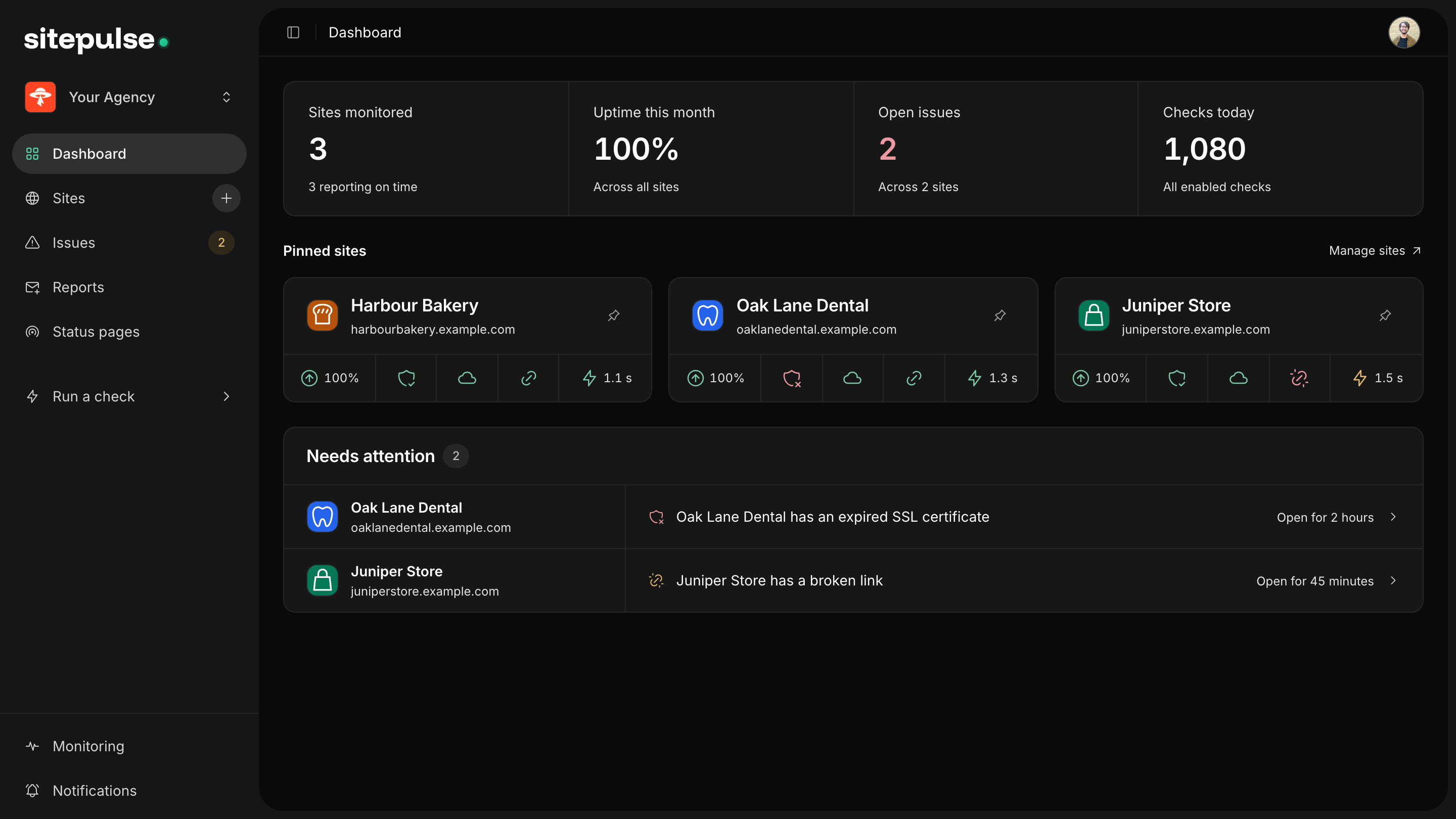
Demo Sitepulse dashboard showing uptime and site health for example websites